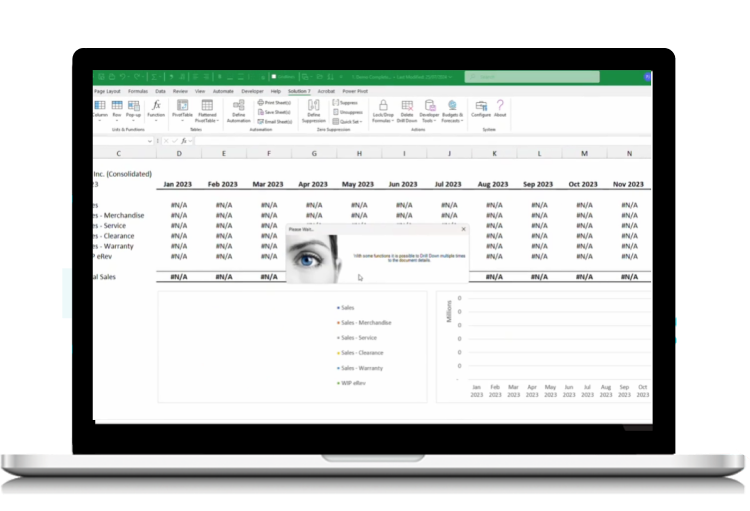


Advanced NetSuite reporting in Excel. Without the friction.
Solution 7 by Zone & Co connects NetSuite data directly to Excel so finance teams can build, refresh, and trust reports without exports, broken links, or IT workarounds.
Trusted by 1,500+ Solution 7 customers. Built on deep NetSuite expertise.
















NetSuite reporting where finance works
Excel is still where finance teams analyze, forecast, and explain the numbers.
But once data leaves NetSuite, things start to break.
-
Spreadsheets get emailed around.
-
Reports go stale.
- Controllers spend time validating numbers instead of using them.
- Systems teams get pulled into maintaining connectors and data extracts.
When reporting depends on exports and manual refreshes, finance loses confidence and momentum.
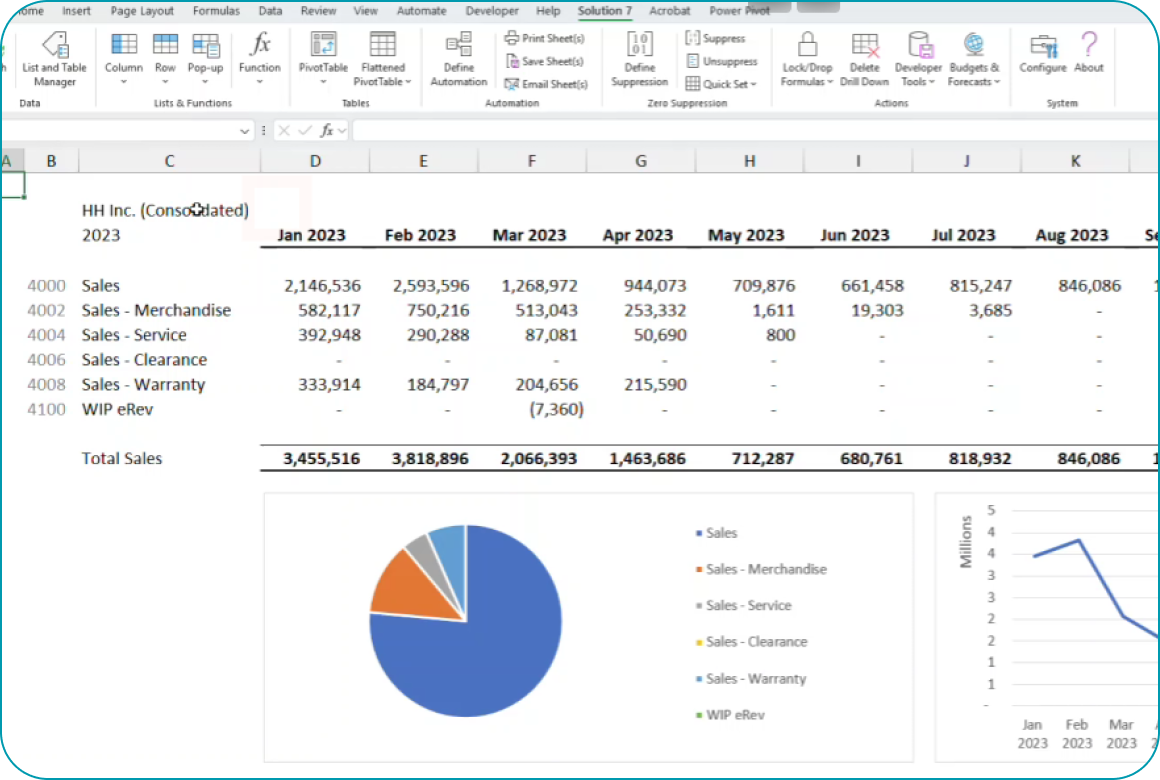
Solution 7 keeps Excel connected to NetSuite.
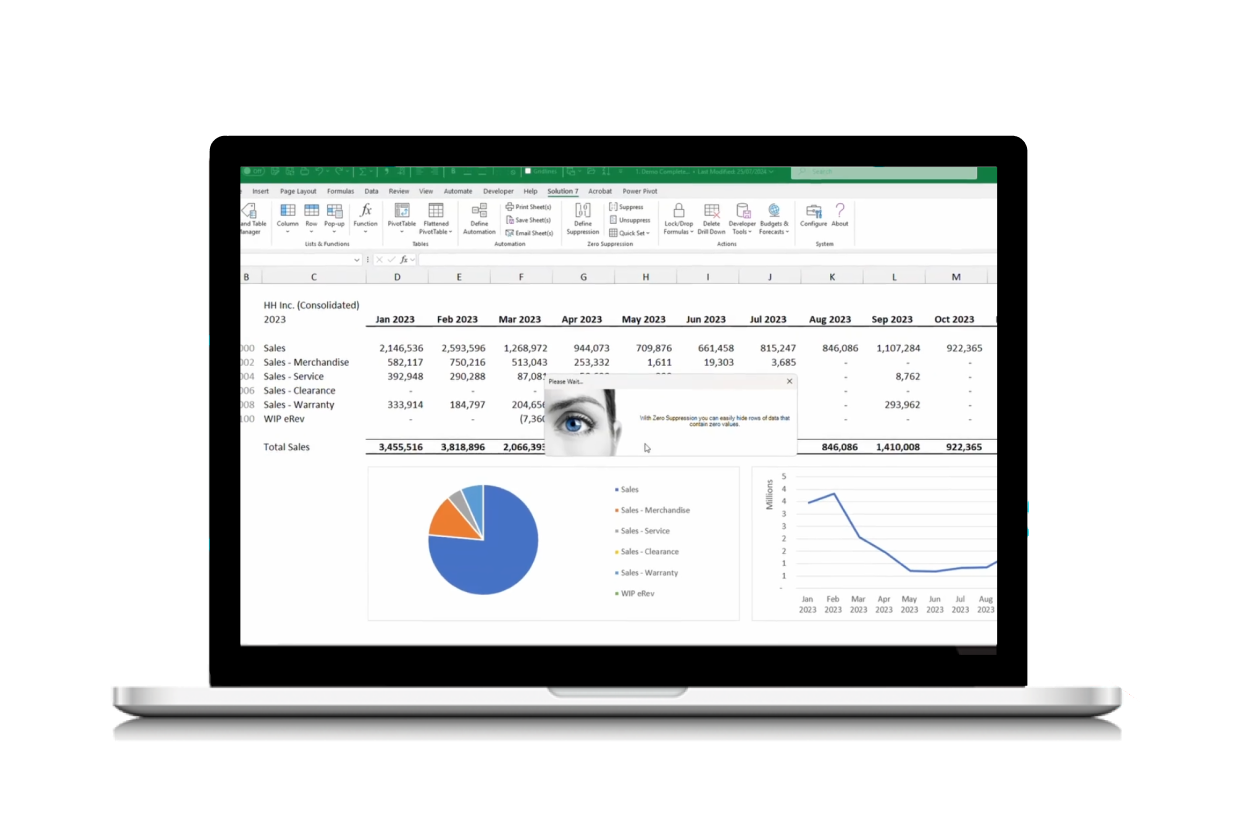
Solution 7 is a NetSuite reporting and Excel plugin solution that lets you access live NetSuite data directly inside Excel using SuiteAnalytics Connect.
-
Your reports stay connected to the source system.
- Your formulas stay intact.
- Your data stays current.
No CSVs. No copy paste chains. No shadow databases.
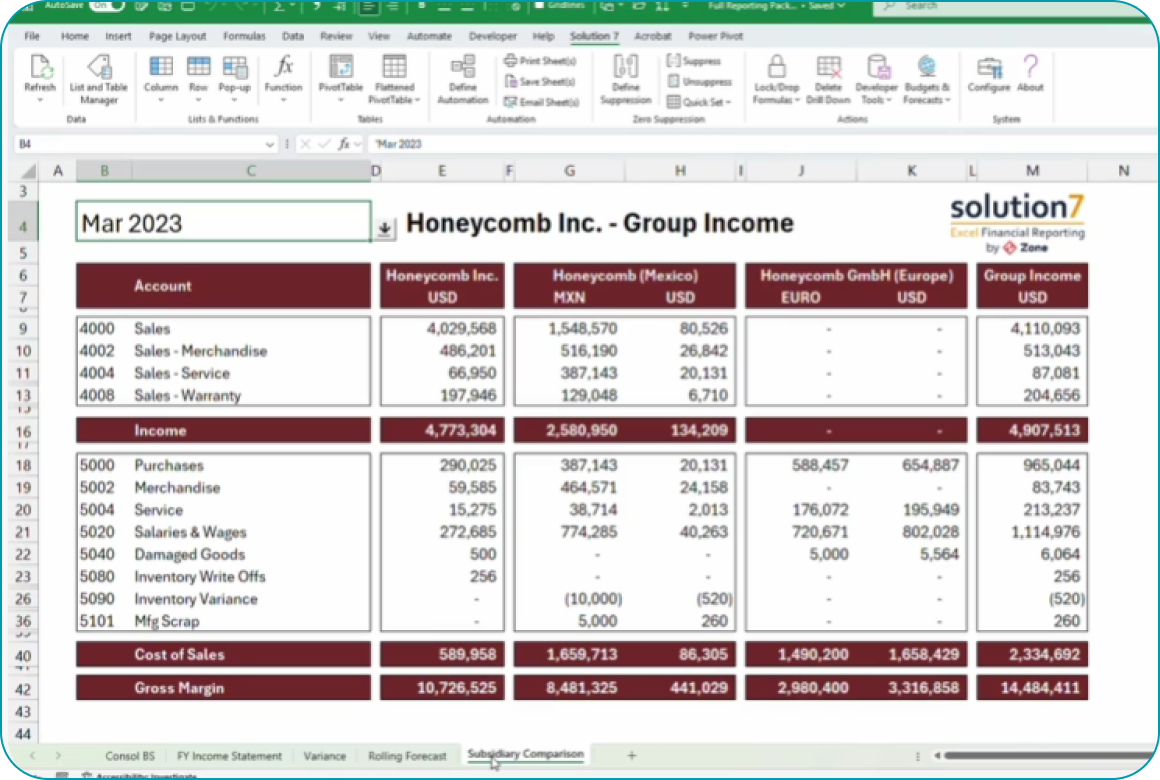
What you can do with Solution 7

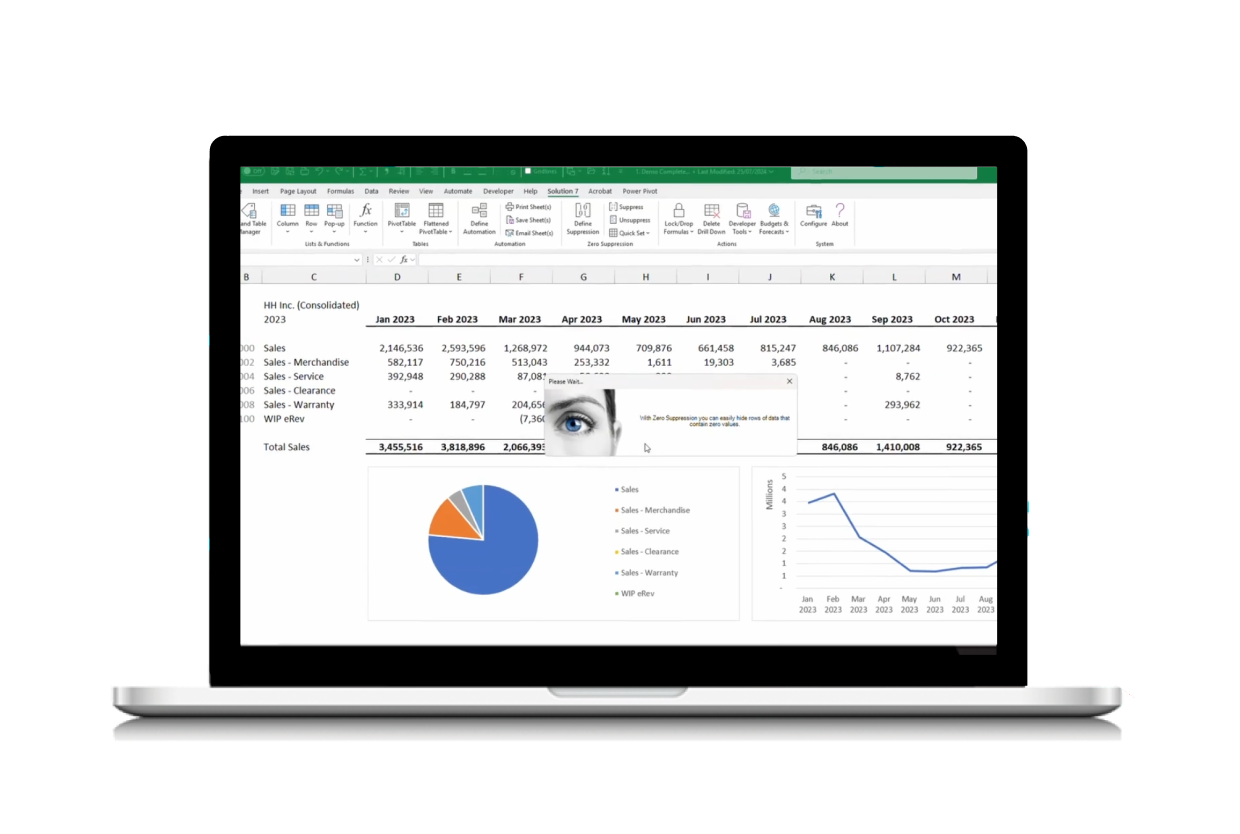
Pull live NetSuite data directly into Excel

Build custom financial and operational reports

Refresh data on demand, with one click

Drill-down from Excel all the way to the underlying NetSuite transaction for full audit traceability

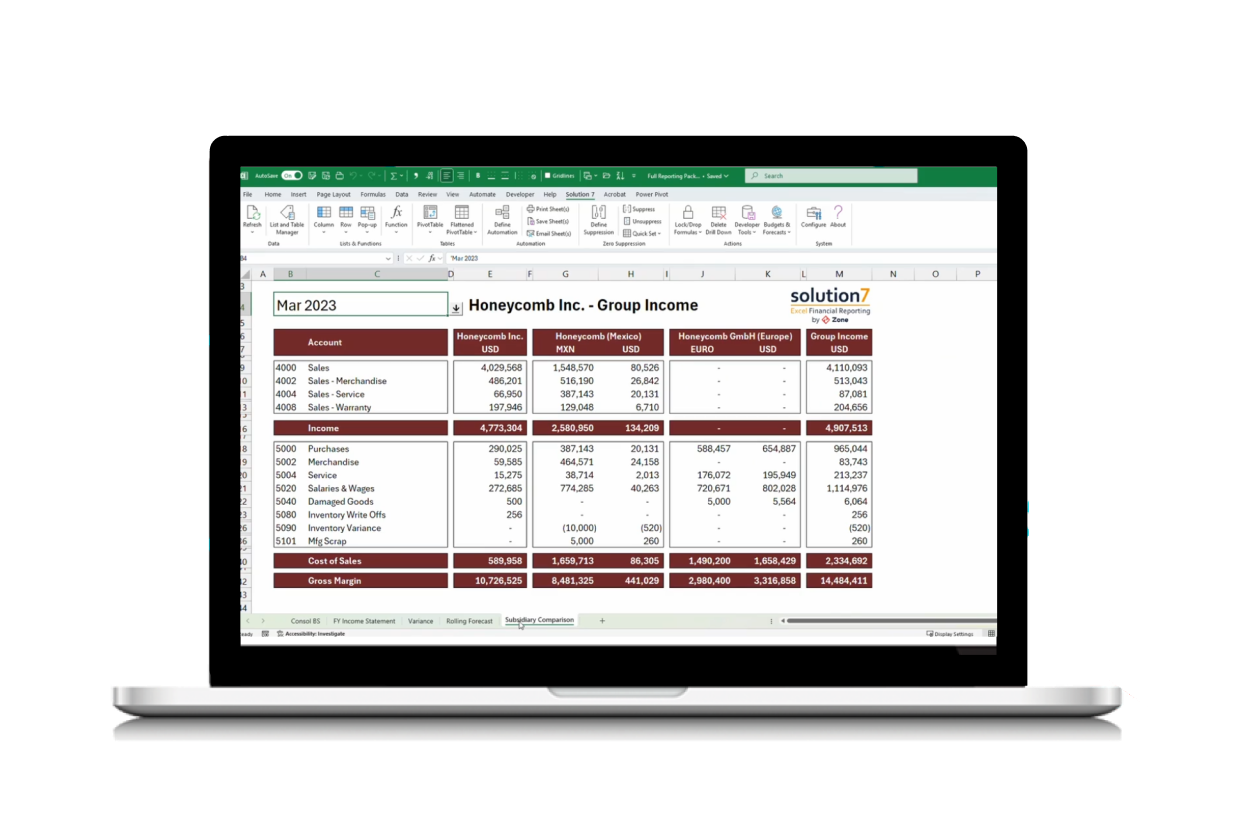
Support multi entity and multi subsidiary reporting

Reduce reliance on IT for everyday reporting needs
Excel reporting finance teams actually trust

Fewer reporting errors caused by stale data

Faster close and reporting cycles

More confidence in numbers shared with leadership

Less rework during audits and board reviews

How it works
For systems teams, this means supported access methods and controlled permissions.
For finance teams, it means faster answers without waiting on IT.
1. Connect NetSuite to Excel
Use SuiteAnalytics Connect with ODBC to securely access NetSuite data.
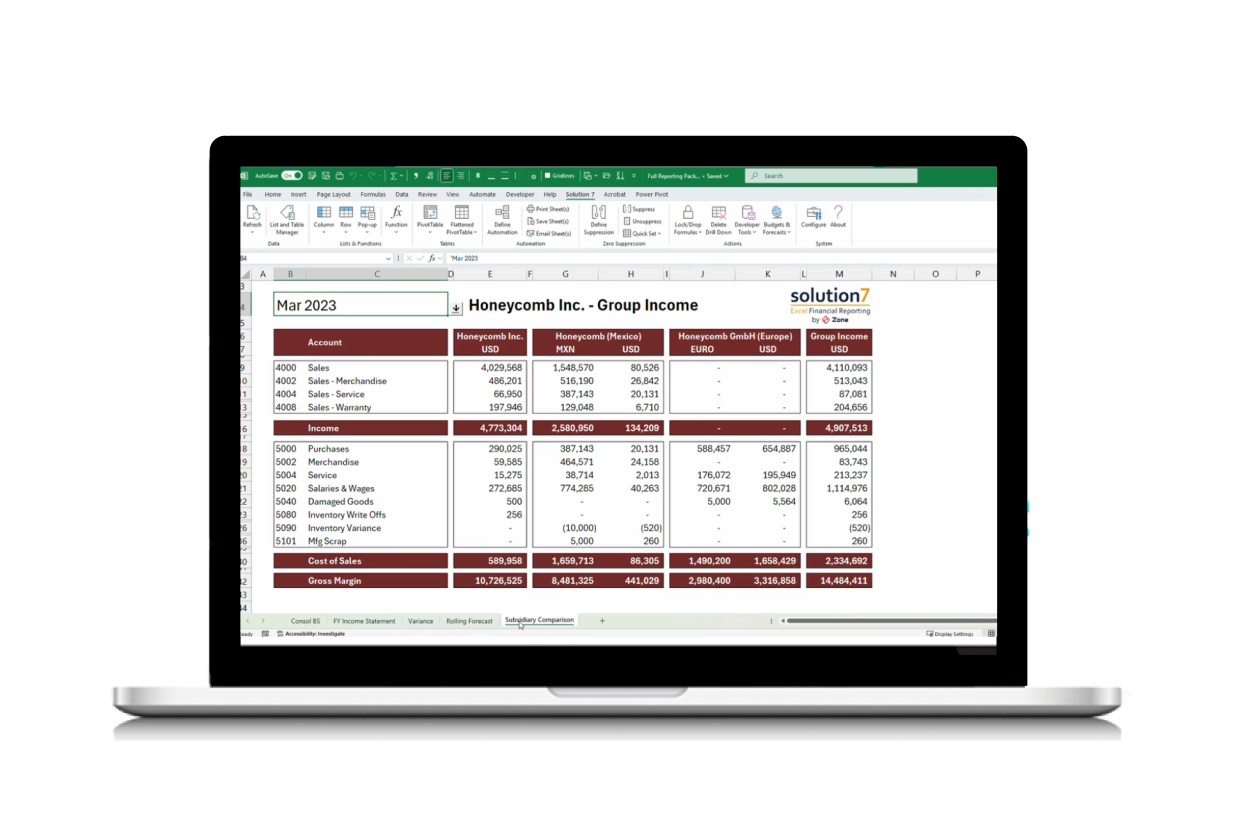
2. Build live NetSuite reports in Excel
Pull the data you need into Excel and structure reports using your formulas, pivots, and templates.
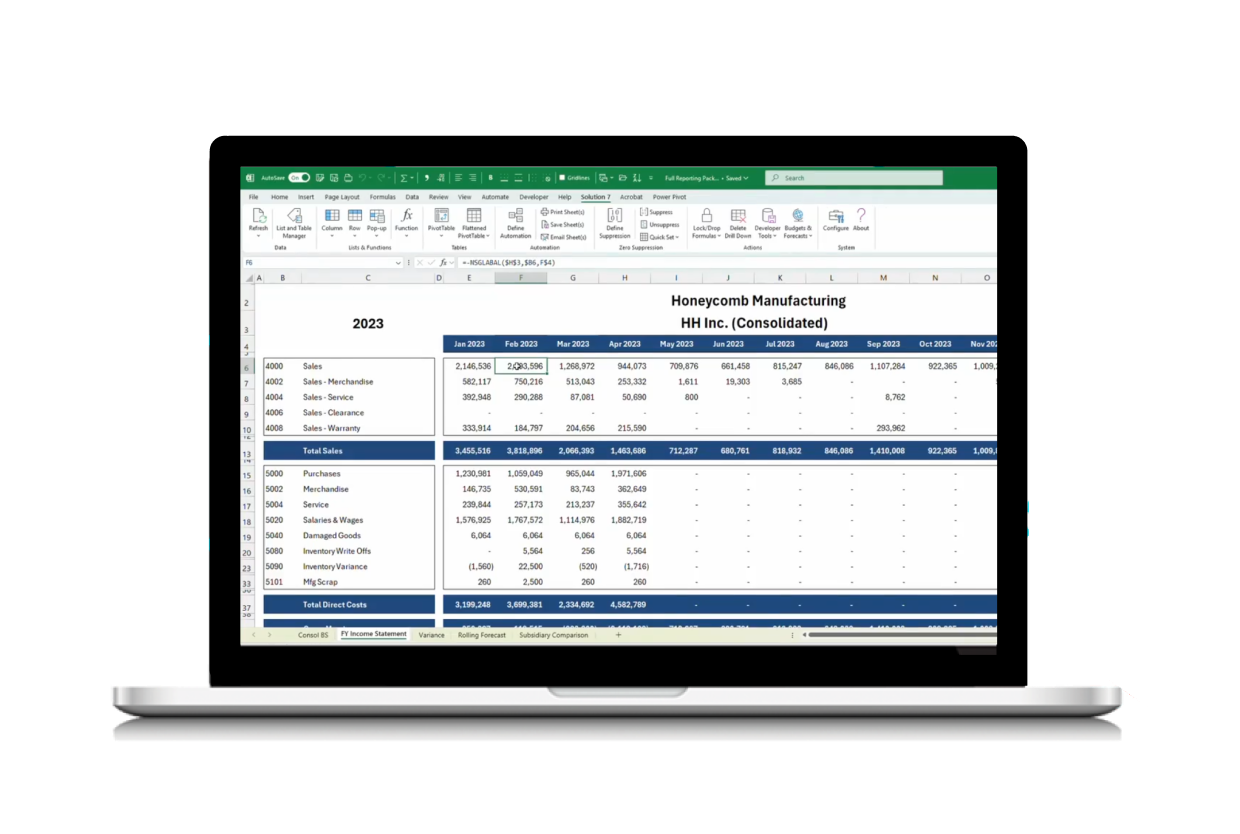
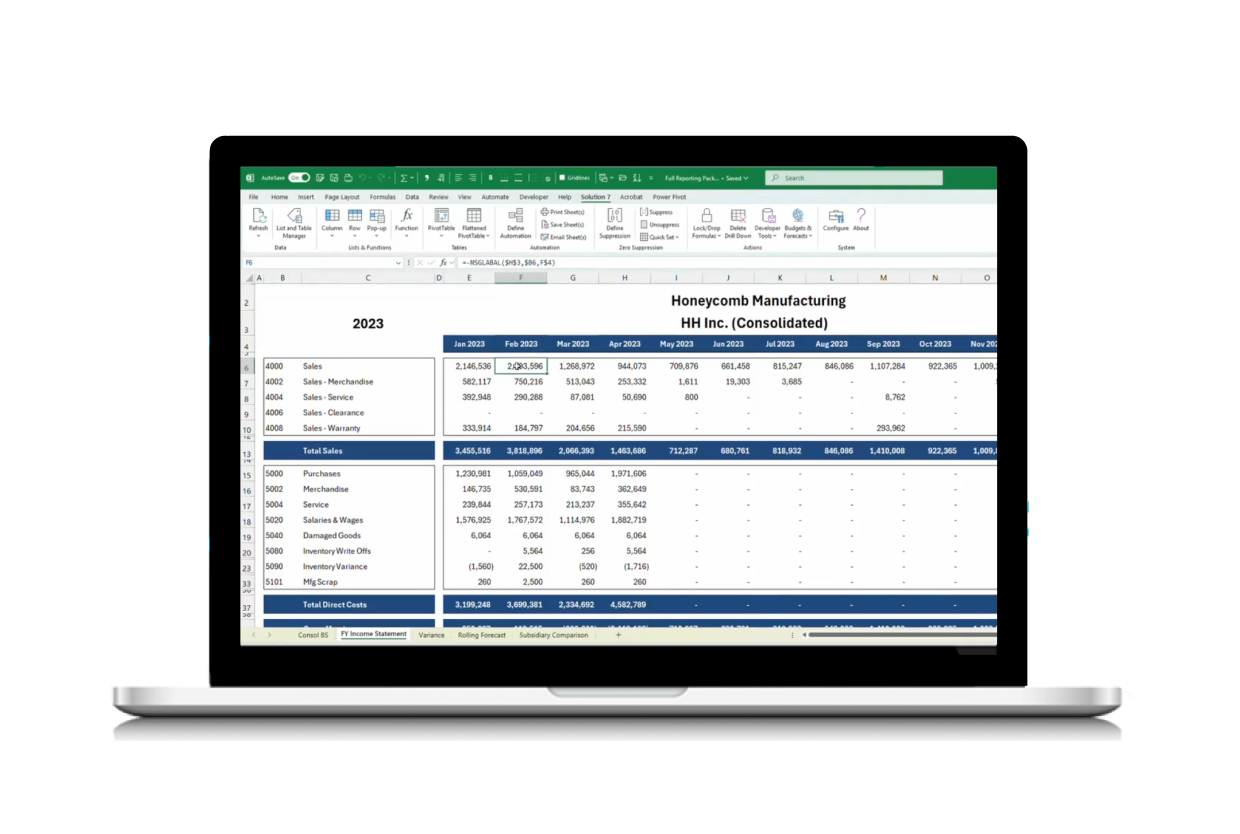
3. Refresh without rebuilding reports
Update data without breaking formulas, pivots, or models.
Trusted by Financial Leaders on G2
Enterprise finance leaders consistently praise Solution 7 by Zone for its seamless integration with NetSuite, transforming complex billing and revenue recognition into streamlined, automated processes.

Finance and accounting easy solution
Great simple idea to make reporting a breeze
Built for finance leaders and finance systems teams
If your team runs NetSuite and lives in Excel, Solution 7 fits naturally into how you already work.
- Faster, more accurate month-end close
- Reports that always reconcile to NetSuite
- Drill-down detail to support audit and review

- Flexible modeling directly in Excel
- Run what-if scenarios with live NetSuite data
- Push budgets and forecasts back into NetSuite

- Eliminate manual exports and refresh cycles
- Standardized, consistent reporting templates
- Fewer errors and last-minute adjustments

- Low-maintenance reporting solution
- No complex integrations or custom builds
- Quick setup with minimal IT involvement
Part of the Zone & Co platform
Solution 7 is part of Zone & Co, the NetSuite native financial operations platform built to remove friction across finance workflows.
From reporting and analytics to billing, AP automation, and payroll cost management, Zone helps finance teams work inside NetSuite with fewer handoffs and better visibility.


Certified Collision Group

Zone Accounting Team

Guzman y Gomez
See your NetSuite data working in Excel